
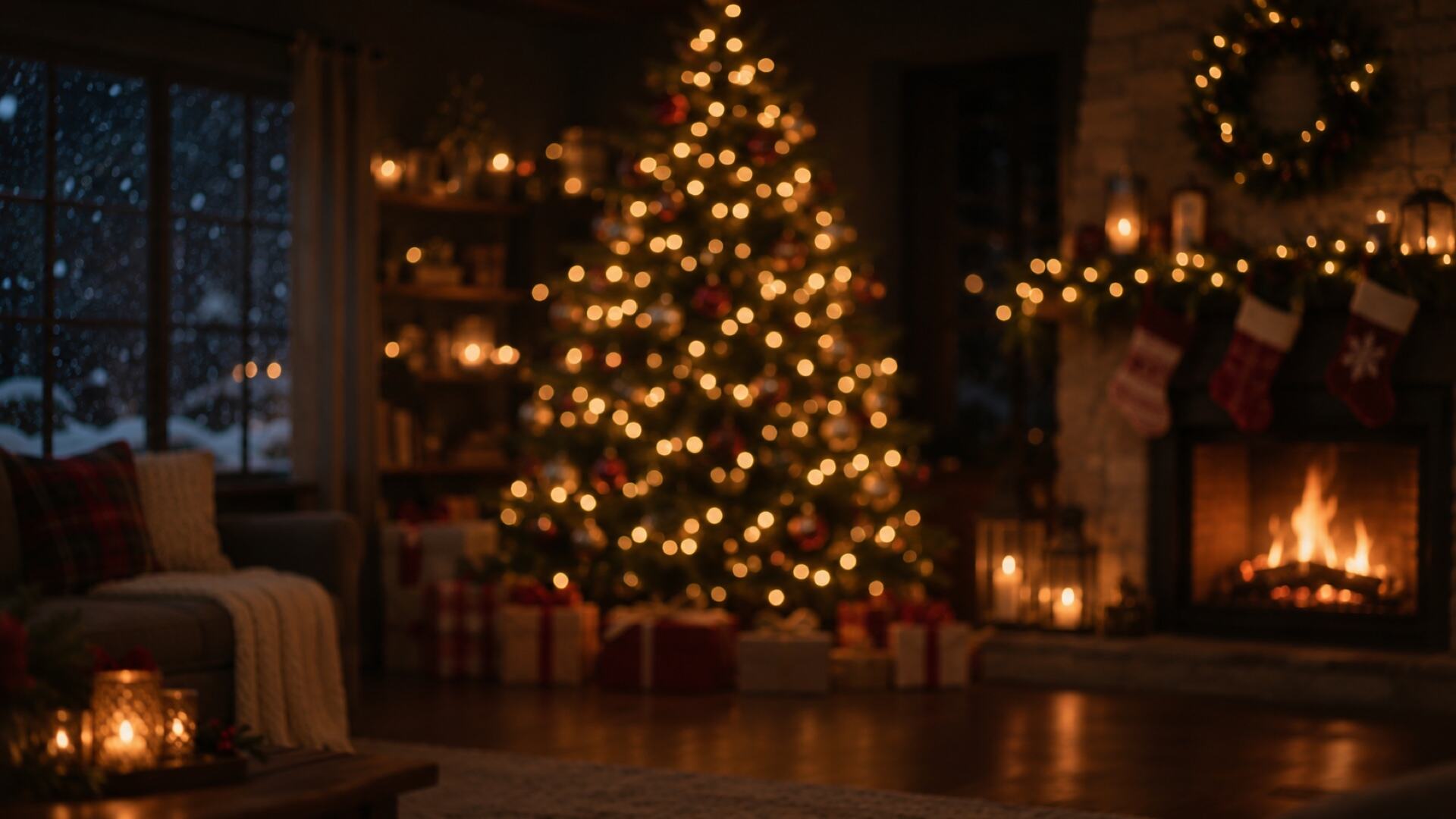


 Made from this photo
Santa Caught on Camera
Night security-camera footage of Santa in your living room, leaving presents under your tree
Use this templateMake this with my photoPick a video, add the photo it asks for, and get a 10-second vertical clip to share.
No Christmas template for that yet.
Each video starts from one photo: your living room, a selfie or family photo, or your dog or cat. You get a 10-second vertical video, ready for TikTok and Reels or the family group chat. Joined the AI Christmas photo trend and turned a selfie into a Christmas portrait? That photo can become a video too: if it still looks like a real photo, use it for the elf dance and the people in it dance in Santa's workshop. You pay with credits.
| Video | What happens | Photo you need | Made for |
|---|---|---|---|
| Santa caught on camera | Night security-camera footage of Santa in your living room, leaving presents under your tree | One photo of your living room | Showing your kids on Christmas morning |
| AI elf video | The people in your photo dance in elf hats and costumes in Santa's workshop, with faces made from your photo | A selfie or a photo of up to 4 people | The family group chat |
| AI dog Christmas video | Your dog or cat in a Santa suit and hat, sitting by a lit Christmas tree | One photo of your dog or cat | A Christmas post or card from your pet |
Each one asks for a different photo; the table above says which.
Sharp and well lit: faces or your pet facing the camera, or your room with the tree in it.
You can download the finished video for 30 days.

For kids who still believe, Santa in your living room on security-camera footage. For a laugh with family, the elf dance. For pet owners, your dog or cat in a Santa suit.
Yes, if it still looks like a real photo: every face clear and facing the camera, not a cartoon or drawing. The same photo rules apply: only you, adults who agreed, and children if you are their parent or guardian or have their parent's permission; no celebrities or film characters. Use it for the elf dance, with up to 4 people.
Not for every video. The Santa security-camera video needs only a photo of your room, and the Santa suit video needs only a photo of your dog or cat.
Yes. Buy a credit pack once and spend it on any Christmas video, or any other template. A video uses 10 or 20 credits, and you see which before you pay. Pack prices are on the Pricing page.
No. You pay with credits, and there are no free credits. Each template page shows what happens in the video before you pay, and if a video fails, its credits go back automatically.
No. Nothing is shipped, so there is no order cutoff. A video is usually ready in about 3 to 6 minutes after you order, and we email you when it is done. Leave time for a second try in case one fails.
Its credits go back automatically, ready for another try.
Made from this photoSanta Caught on Camera
Night security-camera footage of Santa in your living room, leaving presents under your tree
Use this templateMake this with my photo Made from this photo
Elf Dance
The people in your photo dance in elf hats and costumes in Santa's workshop, with faces made from your photo
Use this templateMake this with my photo Made from this photo
Pet Santa
Your dog or cat in a Santa suit and hat, sitting by a lit Christmas tree
Use this templateMake this with my photo